Windows 11
Download today Tauri 2 0.1.0-preview.1 Tauri 2: this is it
The Windows download is now the Tauri 2 preview, unsigned. The Electron build stays one click away as Classic (Electron) while the preview settles in.
 Iblis
Click any swatch — the entire site recolors instantly.
NEW Iblis is being rebuilt in Rust on Tauri 2. See how far along it is.
A free, open-source, local-first AI music workstation. Generate songs, train your own styles, and organize it all on your own GPU. Windows today, a Mac preview, Linux on the way. No accounts. No cloud.
All downloads Source on GitHub
What each download is today
Public beta 0.2.0-alpha.62. Free, open source under GPL-3.0-or-later, Windows 11 with an NVIDIA GPU, no accounts.
What model does it use? ACE-Step 1.5, run on your GPU by acestep.cpp (both MIT). Models, hardware, and first run.
It makes songs today, and it changes every week. Since the code went public on 2026-09-25: a Mac preview, an engine recommended for your PC, and a whole Rust rebuild that is now the Windows download. Expect rough edges, a SmartScreen warning on first install, and features that are still on the list below. Anything odd: tell us, no account needed, and watch it move on the public board. All downloads, including the Mac preview, are on the download page.
The installers are the official builds and use the official catalog. The Classic (Electron) build updates itself over signed releases; the Tauri 2 preview does not update itself yet, so download new versions here. Copies you build from source are unofficial and unsigned. Building from source.

Unsigned for now: Windows SmartScreen will warn. How to get past SmartScreen safely (two clicks, and a checksum to compare first).
14 changes in 7 days747 commits in 7 days140 in the last 48 hourscounted 20 Nov
The Windows download is now the Tauri 2 preview The same app on a Core rewritten in Rust, in an installer 3.6 times smaller (31.0 MiB against 111.1 MiB).
Hear it before you install The models page now plays real takes from the current engine, beside a table of every model Iblis supports today.
Seals, a 3D box and a sixty-second hype video Every download has its own seal with version, size and status.
Watch your song take shape While a take renders, Create now shows a live visual driven by the engine's real progress: Ribbon by default, or Bloom.
Send a track to a companion app "Send to" hands a track to another app of the same family on your PC after a native Allow / Not now prompt.
The Tauri story A new page explains what moved to Rust, the measured sizes, and what we are not claiming yet.
Where each platform stands The home page shows, per platform, whether the download is Electron or the Tauri 2 preview, and how far the Rust rebuild has come.
Lately in the forge The home page now shows the newest entries from this changelog right under the downloads, with a pulse of the week's work.
Linux packages AppImage and .deb builds of the Tauri 2 preview now come out of automated builds, with their own "does not update itself yet" note.
Errors in plain words Library, plugins, track details and licences now say what went wrong and what to do next, with the technical detail one click away.
Better with a keyboard and a screen reader Every dialog keeps focus inside while open and hands it back when it closes, muted text reaches at least 4.5:1 contrast on all four skins, and the...
Safer plugin installs A half-installed plugin can never become the active version, and a tampered version pointer cannot reach outside its plugin folder.
 Hear IblisListen to example songsReal takes from the models Iblis runs, next to the full model list.
Preview out The next Iblis
On Windows 11 and Linux the download is now the Tauri 2 preview: the engine room rewritten in Rust, the window moved from Electron to Tauri 2. Other systems still get the Electron app for now. Same screens, same library, a fraction of the weight.
Download today Tauri 2 0.1.0-preview.1 Tauri 2: this is it
The Windows download is now the Tauri 2 preview, unsigned. The Electron build stays one click away as Classic (Electron) while the preview settles in.
Download today Electron 0.2.0-alpha.62 Tauri 2: after December 1
The Mac download is the Electron preview. The Tauri 2 Mac build waits for macOS build minutes after December 1.
Download today Tauri 2 0.1.0-preview.1 Tauri 2: this is it
The Linux download is the Tauri 2 preview, unsigned: an AppImage for most distributions or a .deb for Debian and Ubuntu. It does not update itself yet.
Sources in the repository: installer sizes measured on the published Windows x64 installers (Tauri 2 0.1.0-preview.1 from CI run 44261232416, Electron 0.2.0-alpha.62) (docs/quality/tauri-vs-electron-windows-numbers.md); tests from core/PORT-STATUS.md.
Shipped means shipped in the installer you can download now (Tauri 2 0.1.0-preview.1 on Windows). Dates are targets, not promises; the full list, with reasons and order, is the roadmap, and what landed this week is above.
Real captures of the current build in the default Dark 3D skin. The skins page shows the other three.
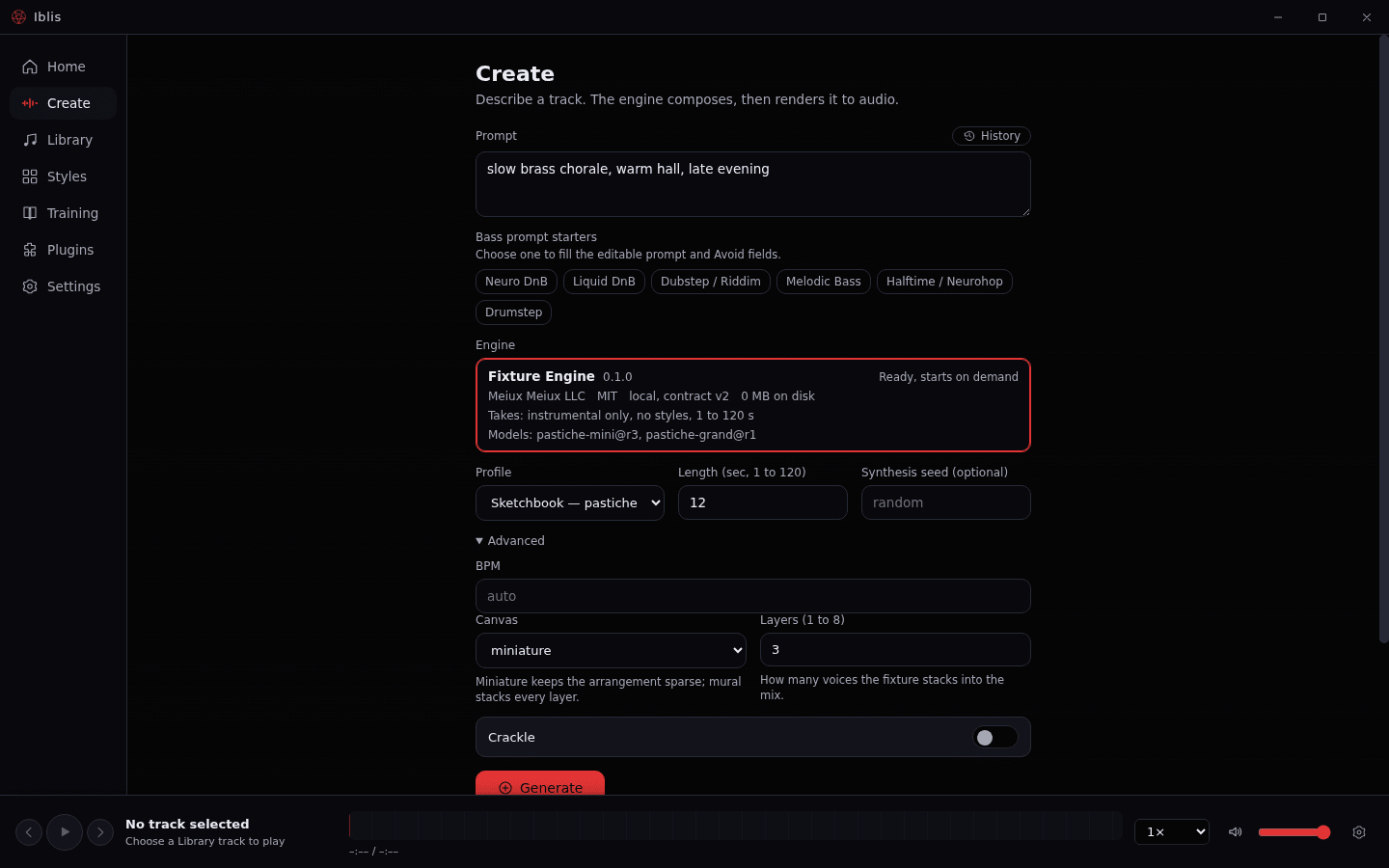
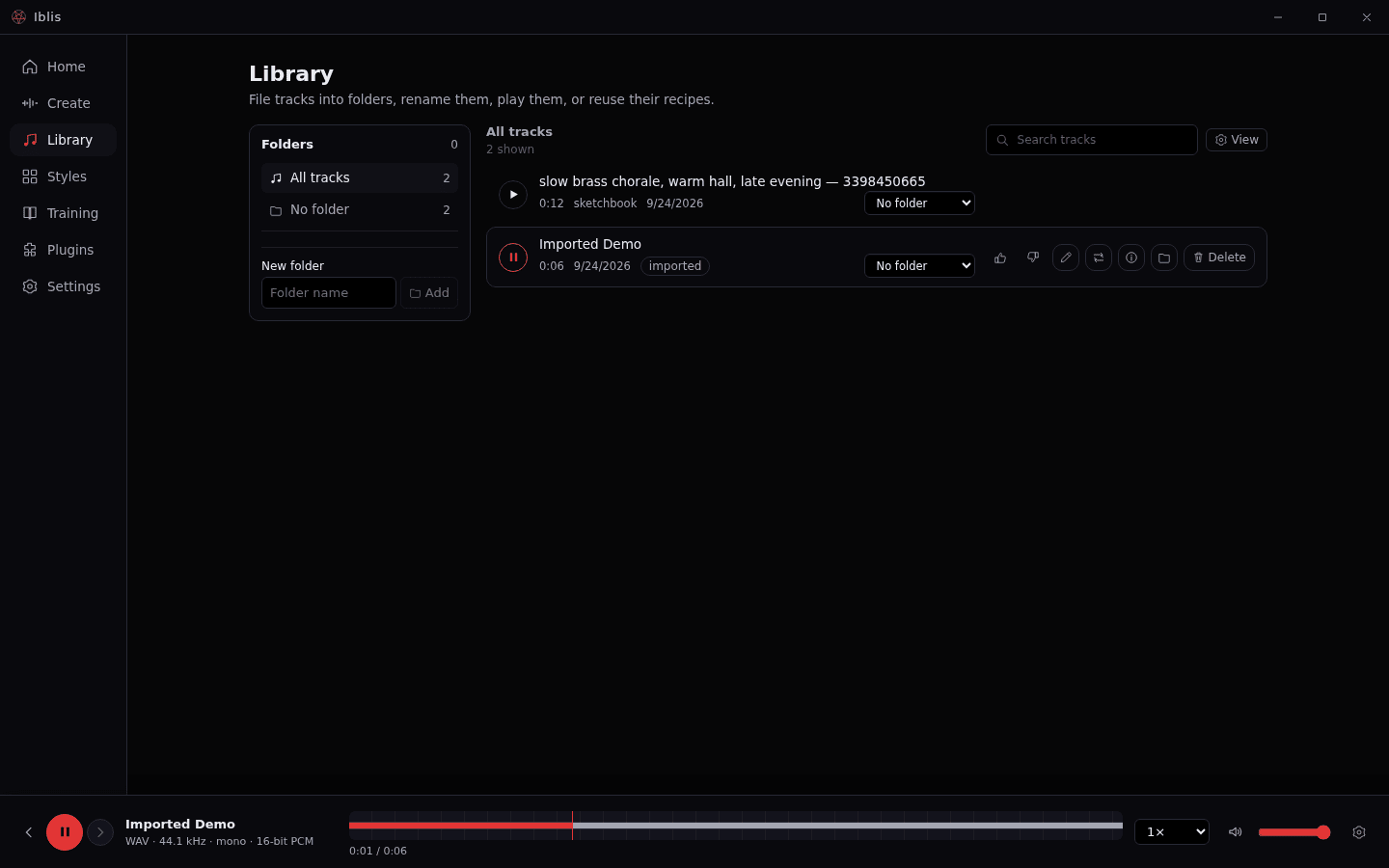
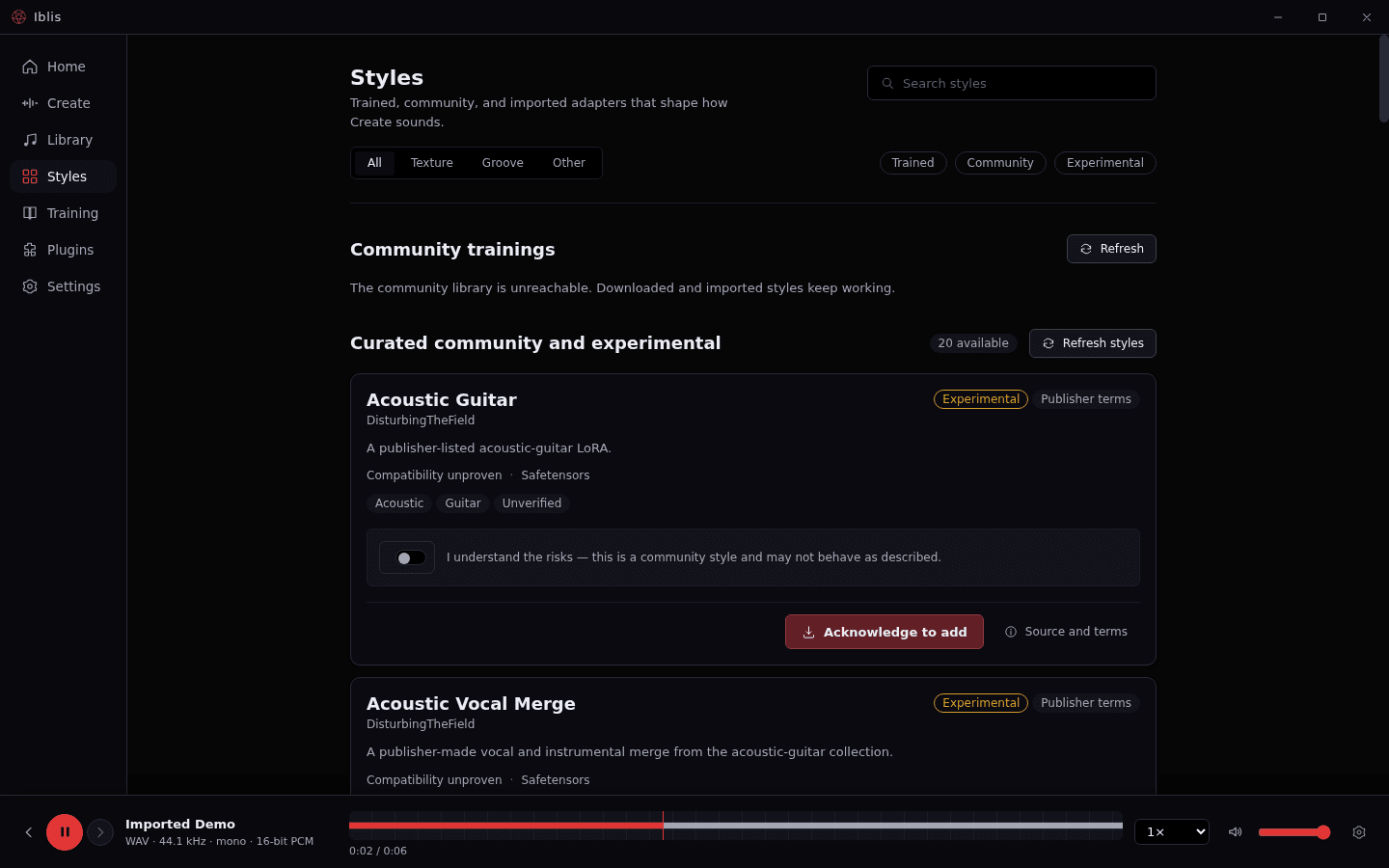
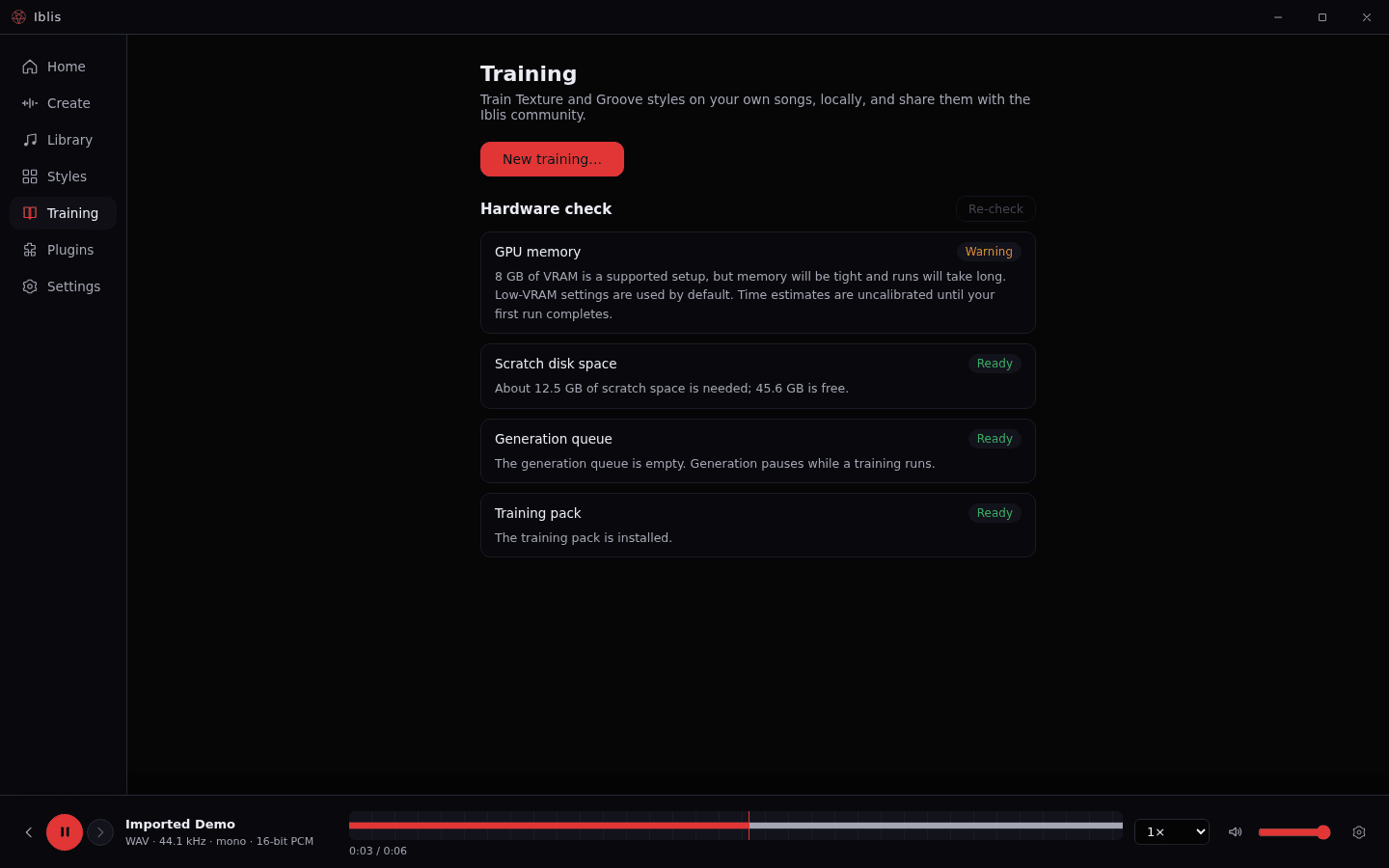
Offline by default. Your prompts, lyrics, and tracks never leave the machine unless you explicitly send them.
Audio engines, stem splitters, image generators, visualizations, and skins are all swappable plugins. Replace any of them without reinstalling the rest.
One closed token vocabulary. Any skin styles any plugin, and any plugin reads any skin. Edit themes in-app, swap them live.
The desktop app is GPL-3.0-or-later, the plugin SDK Apache-2.0, the first-party plugins MIT. Issues, pull requests with a DCO sign-off, and the security policy are all in the repository. What is open and what is hosted.
Versioned folders on disk. Hot-swap with an atomic current.txt pointer. Eight kinds: engine processor image-gen cloud-provider visualizer ui-pack skin training.
Everything that runs on your machine is free and never needs a key: generation, training your own styles, the Library, playback, skins, plugins, and anything you have already downloaded.
A product key is only for the parts that run on our hosted infrastructure: publishing styles to the community Styles library, downloading community styles, and uploads. Hosting installers and community styles already runs to dozens of gigabytes and keeps growing, so keys are issued by email while capacity is limited.
To ask for one, email Iblis-Beta-Test@meiuxmeiux.com with your GPU and basic hardware specs (an NVIDIA GPU with 8 GB of VRAM or more is recommended for training) and a little about what you want to make.
Email for a product key Report a bug or request a feature Public board