
Iblis for Linux (preview)
Linux: what this build is
- Linux Tauri 2 0.1.0-preview.1 Tauri 2: this is it
A preview build of Iblis 0.1.0-preview.1 for 64-bit Linux, as an AppImage that runs on most distributions or a .deb package for Debian and Ubuntu. It is not code-signed yet.
The files
Linux: AppImage (x64)
Iblis_0.1.0-preview.1_amd64.AppImage, 94.9 MiB
SHA-256 6afcac8d14f8f8d183eda9128553c7e98bc9b4b6f4366446245a4e5b70655105
Linux: Debian package (.deb) (x64)
Iblis_0.1.0-preview.1_amd64.deb, 24.5 MiB
SHA-256 84b019f83cd236ec1e53cf5ff2a339f20c33cc7a9974bc5f758468e6b1555b67
The AppImage is larger because it carries its own web view (WebKitGTK); the .deb uses your distribution's webkit2gtk.
Verify the checksum
Save these lines as SHA256SUMS in the folder you downloaded to, then run
sha256sum -c --ignore-missing SHA256SUMS. Each file you have should say OK. If one
does not, delete it.
6afcac8d14f8f8d183eda9128553c7e98bc9b4b6f4366446245a4e5b70655105  Iblis_0.1.0-preview.1_amd64.AppImage
84b019f83cd236ec1e53cf5ff2a339f20c33cc7a9974bc5f758468e6b1555b67  Iblis_0.1.0-preview.1_amd64.deb
AppImage
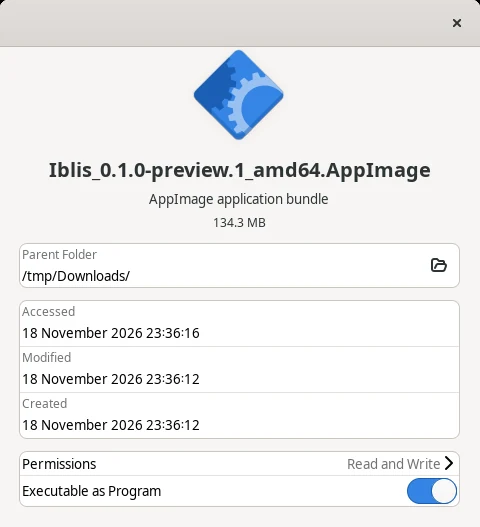
- Make it executable:
chmod +x Iblis_*_amd64.AppImage, or open the file's Properties and turn on "Executable as Program" (GNOME Files; other file managers call it "Allow executing file as program"). - Run it:
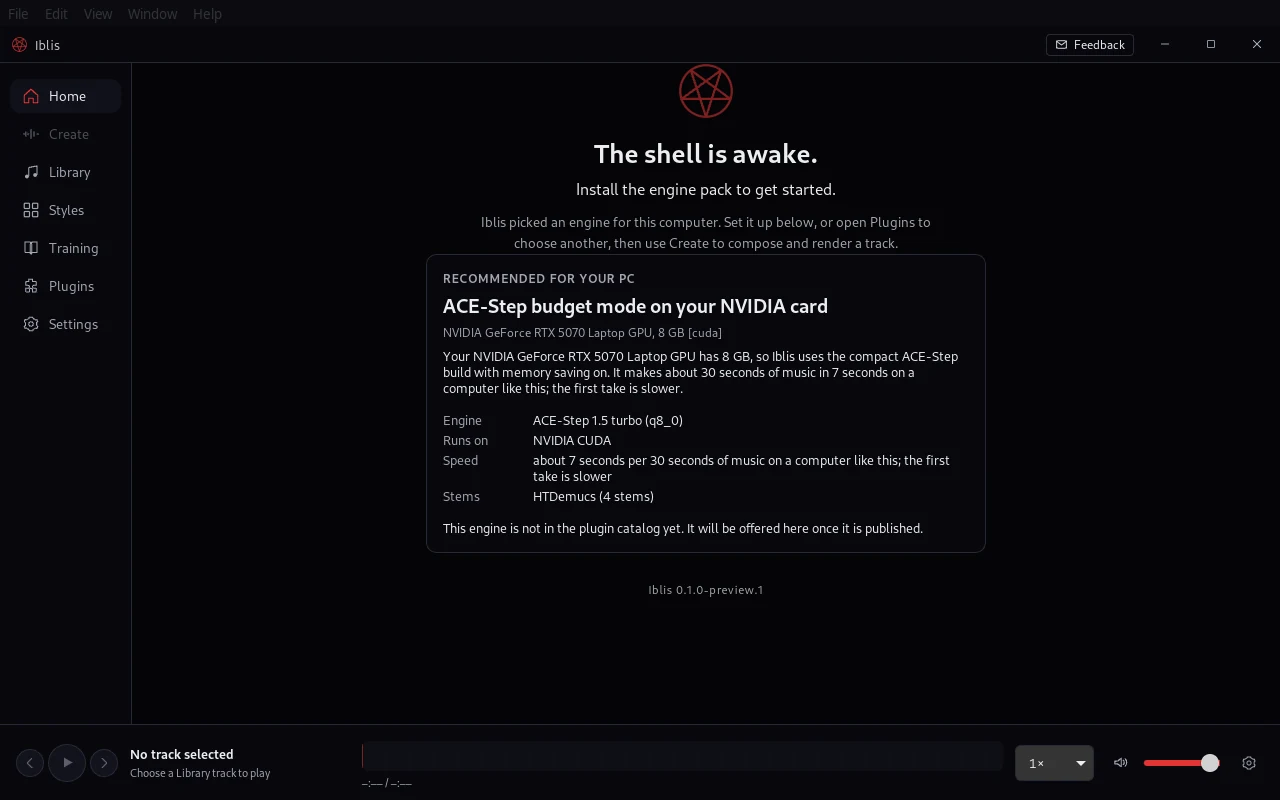
./Iblis_*_amd64.AppImage - If it says FUSE is missing, install it:
sudo apt install libfuse2(Ubuntu 22.04) orsudo apt install libfuse2t64(Ubuntu 24.04 and later).
Debian / Ubuntu package
sudo apt install ./Iblis_*_amd64.deb (the ./ makes apt install the local file and pull in its dependencies).
Updates
This Linux build does not update itself yet. Download the new AppImage or .deb from the Iblis website.